> For the complete documentation index, see [llms.txt](https://deco-product-labels-and-badges-1.gitbook.io/deco-guidelines/llms.txt). Markdown versions of documentation pages are available by appending `.md` to page URLs; this page is available as [Markdown](https://deco-product-labels-and-badges-1.gitbook.io/deco-guidelines/our-special-features/show-badge-based-on-store-languages.md).
# Show Badge Based On Store Languages
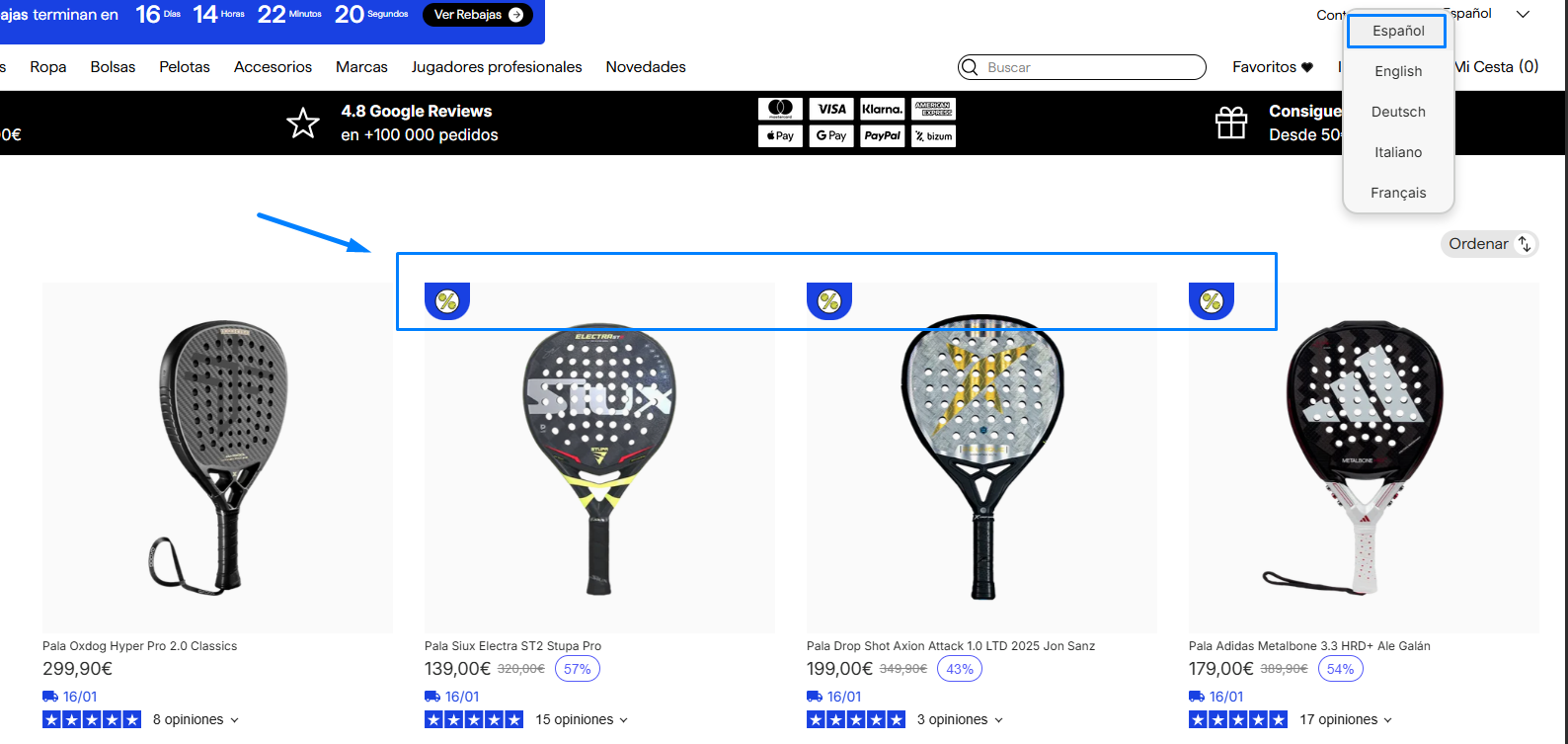
Create badges in multiple languages and choose which ones to display in specific markets!
{% hint style="info" %}
**NOTE**: This feature is available for ***Badge only***
{% endhint %}
## Where It Is?
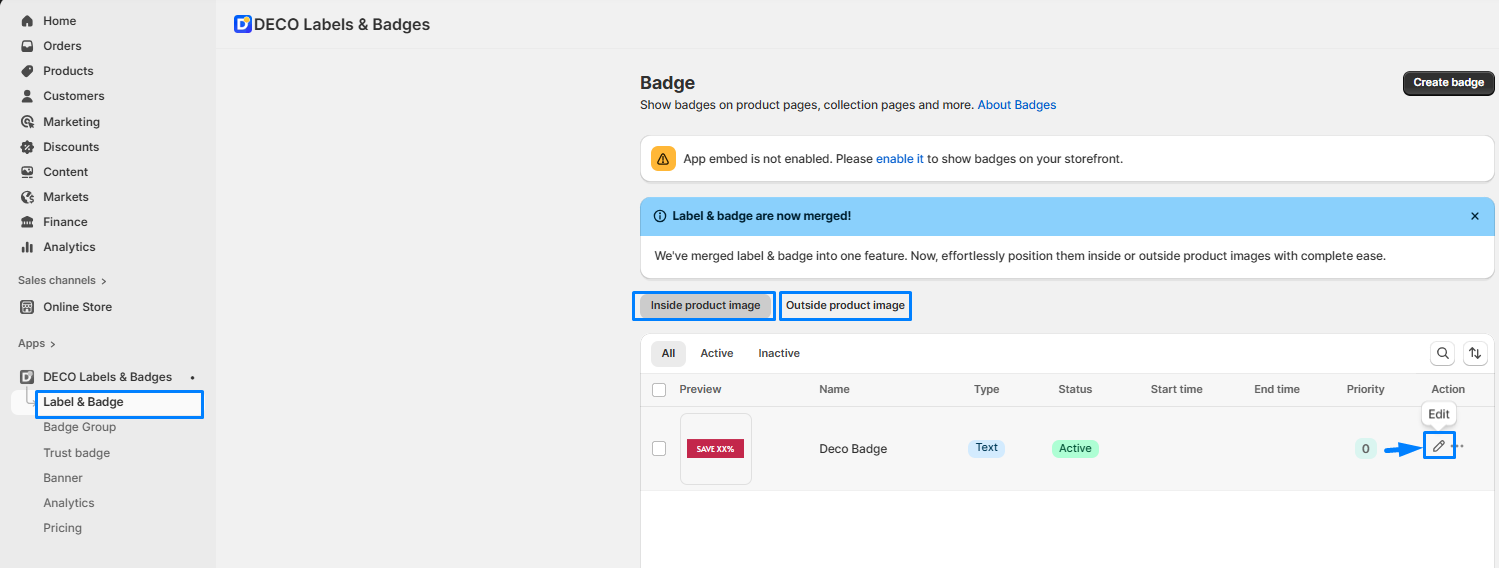
* Navigate to ***"Label & Badge"*** on the navigation menu
* Click the ***pencil icon*** to open a badge
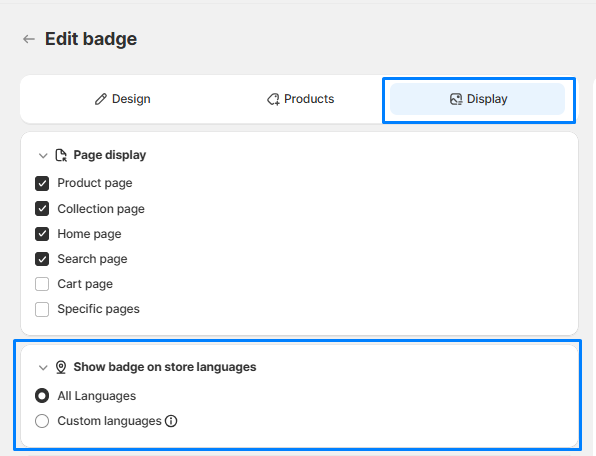
* Next, move to "Display" tab >> Scroll down to: "***Show badge on store languages***" section
## Choose languages
* Select: ***"All Languages"***: The badge will be ***visible in all languages*** on your website.
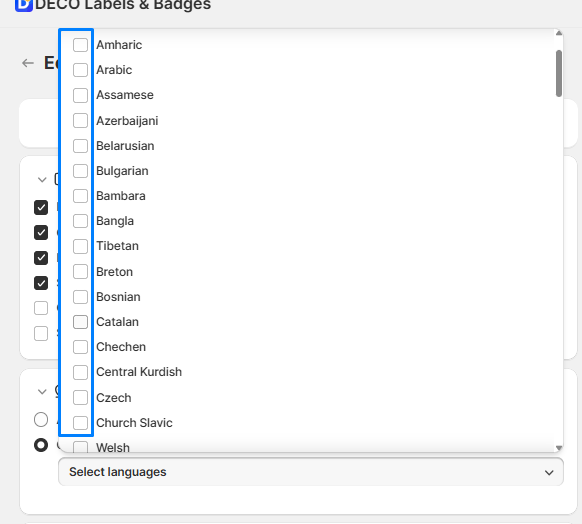
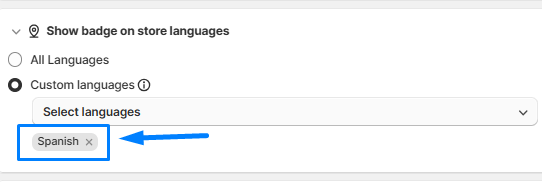
* Select ***"Custom languages"***: The badge will ***only appear*** when ***customers select specific languages you set up in the DECO app.***
{% hint style="info" %}
"Custom languages" is available from the **Growth** plan.
{% endhint %}
For example: